Self-hosted todo app

Your tasks, on your server.

One container, one SQLite file. The server serves both the API and the web client, so a single docker compose up gives you a working instance — and the same codebase builds the iOS and Android app.

Your data never leaves your server.

No accounts
One shared access token.
Offline-tolerant
Edits queue and push later.
Web + mobile
One Expo codebase.
Runs on a NAS
amd64 and arm64 images.
todo.selfhost.dev/all
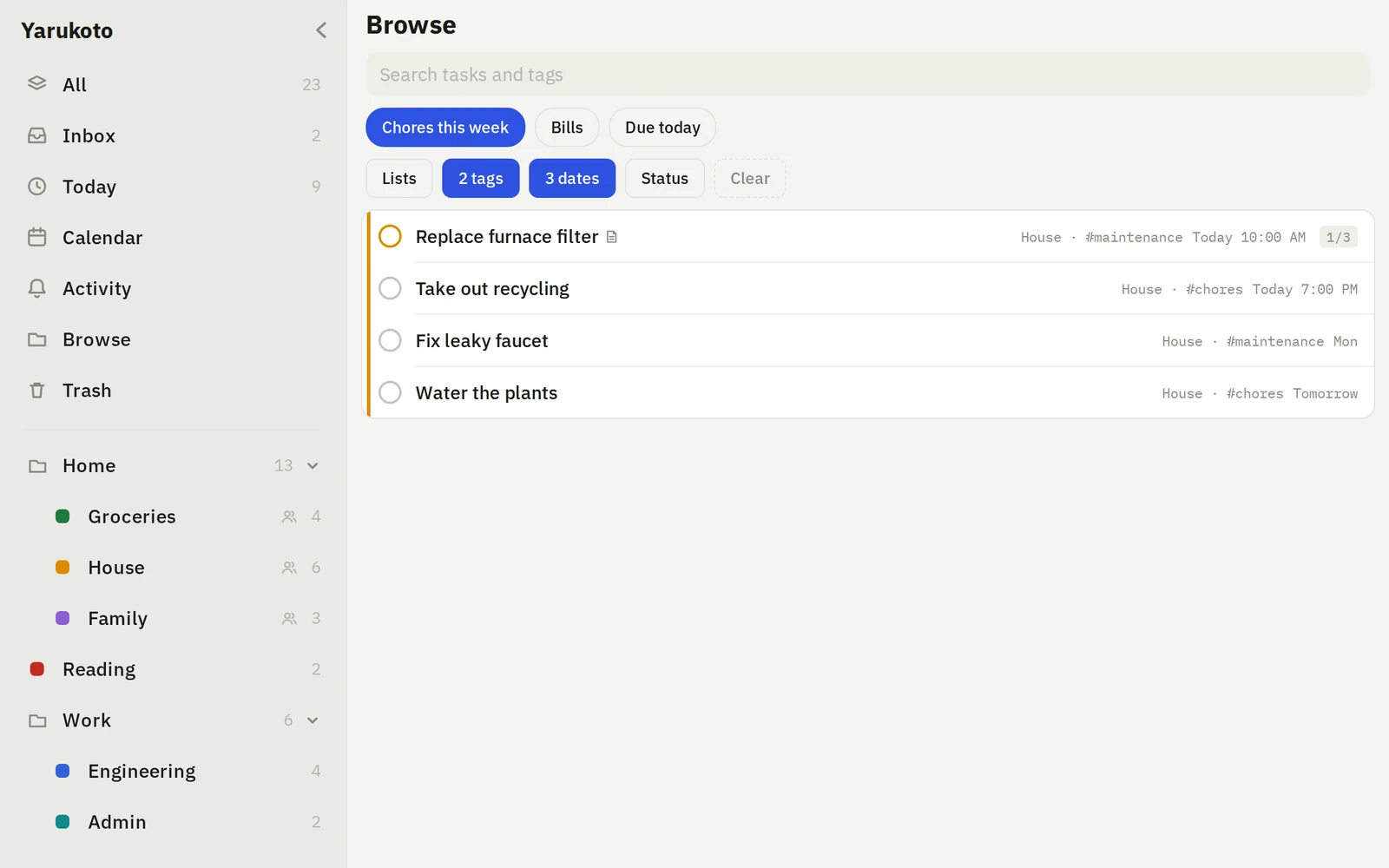
Yarukoto Browse view on the web, with folders, tags and task rows
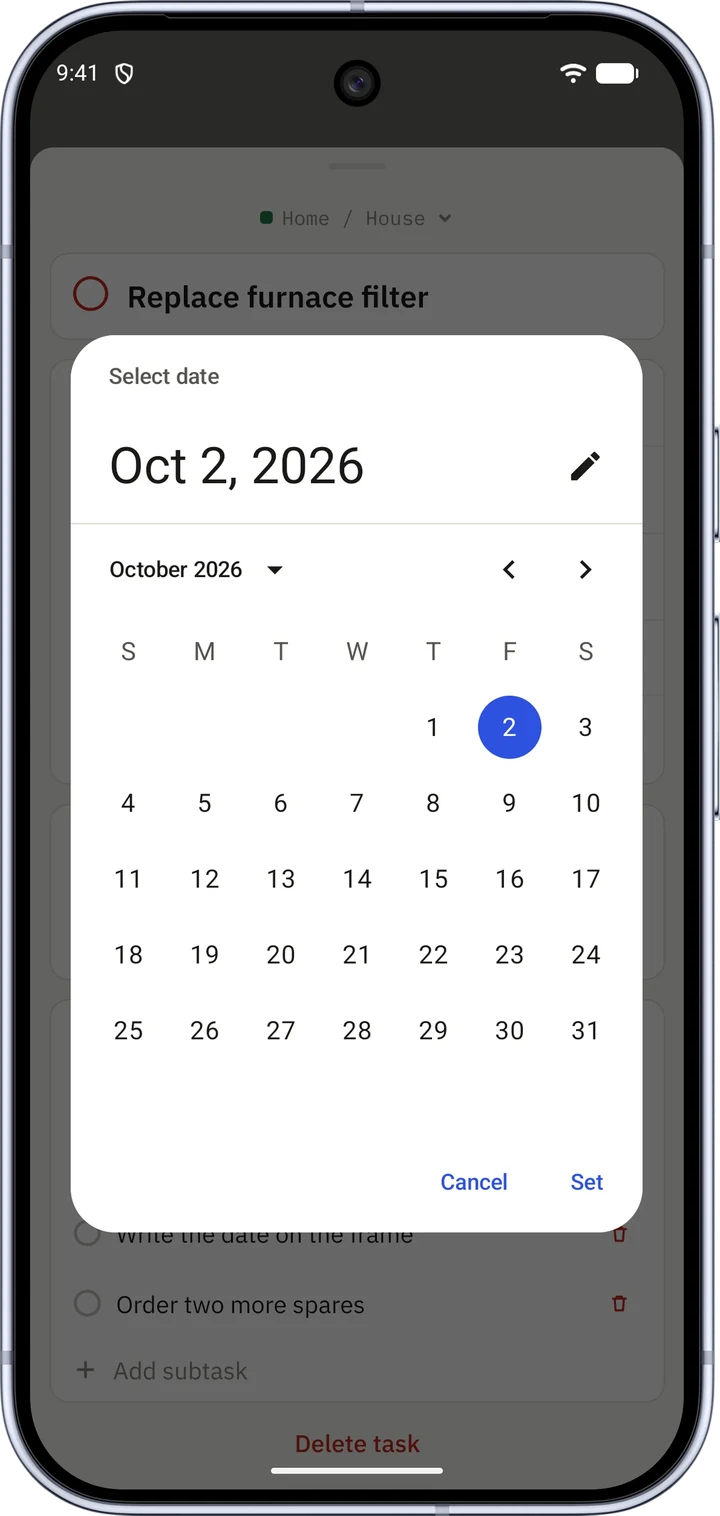
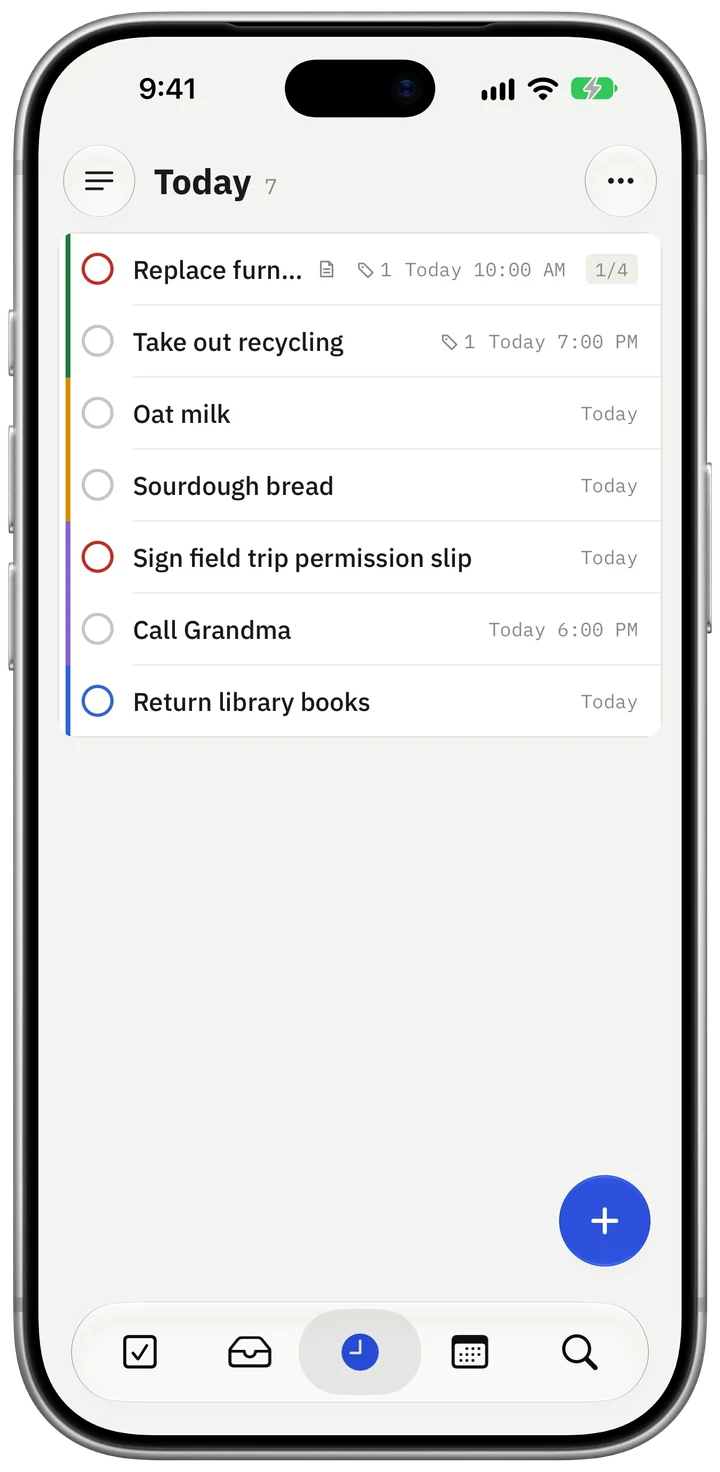
Yarukoto Today view on a phone
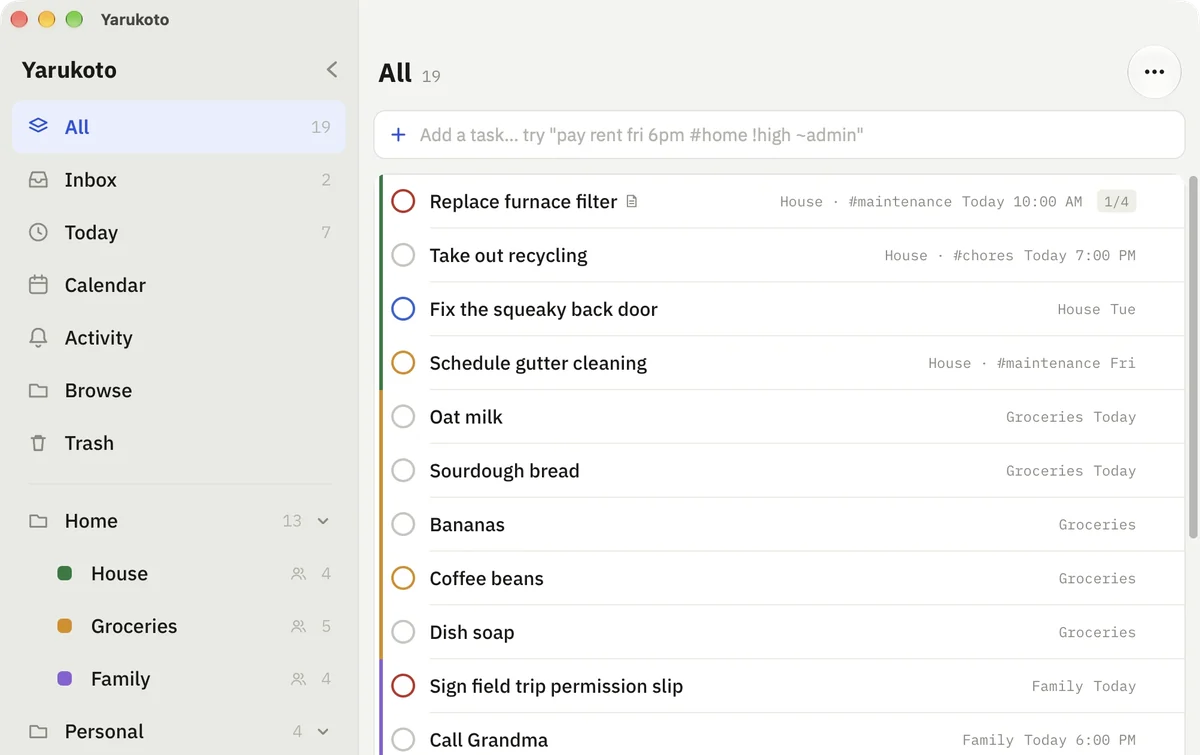
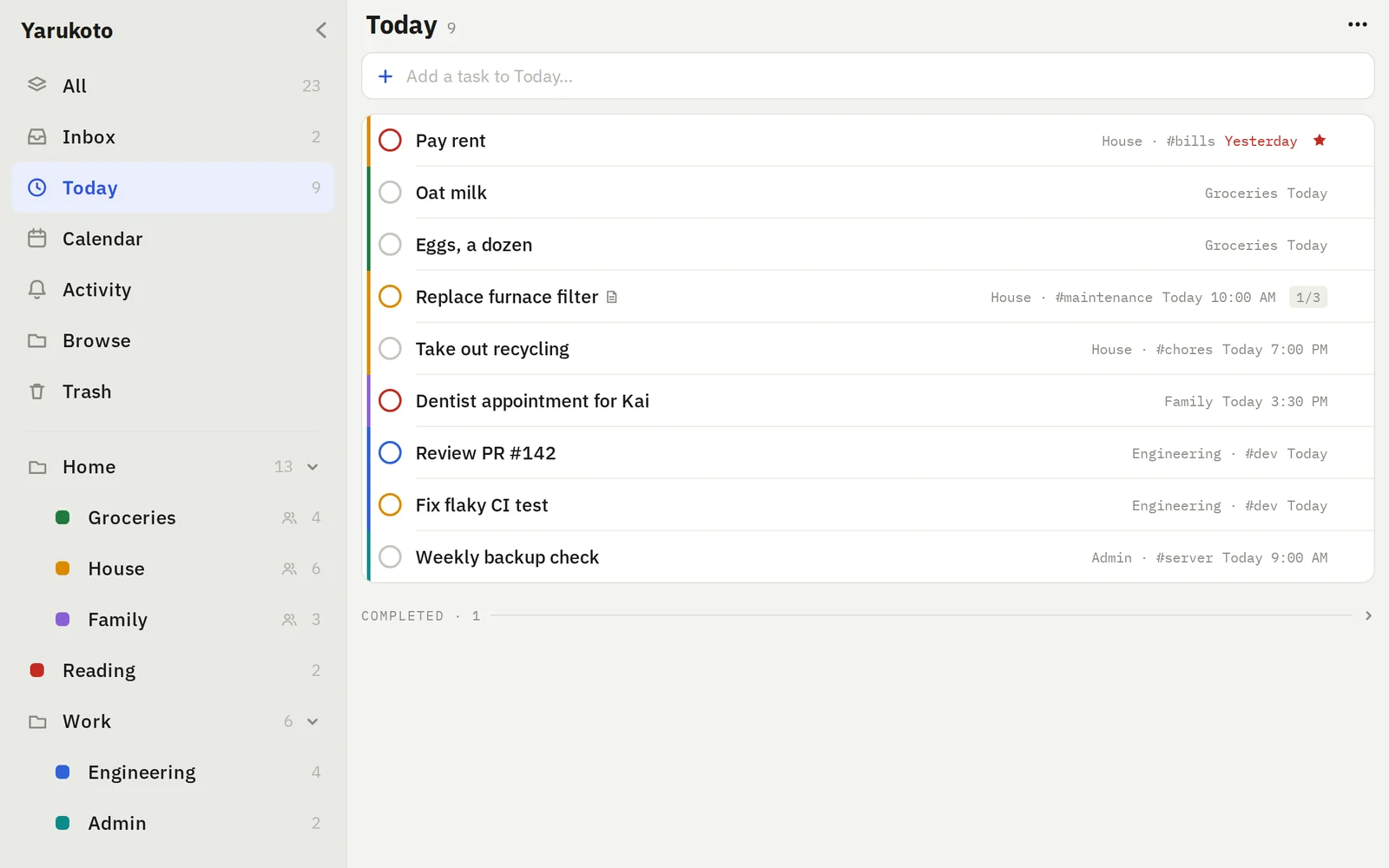
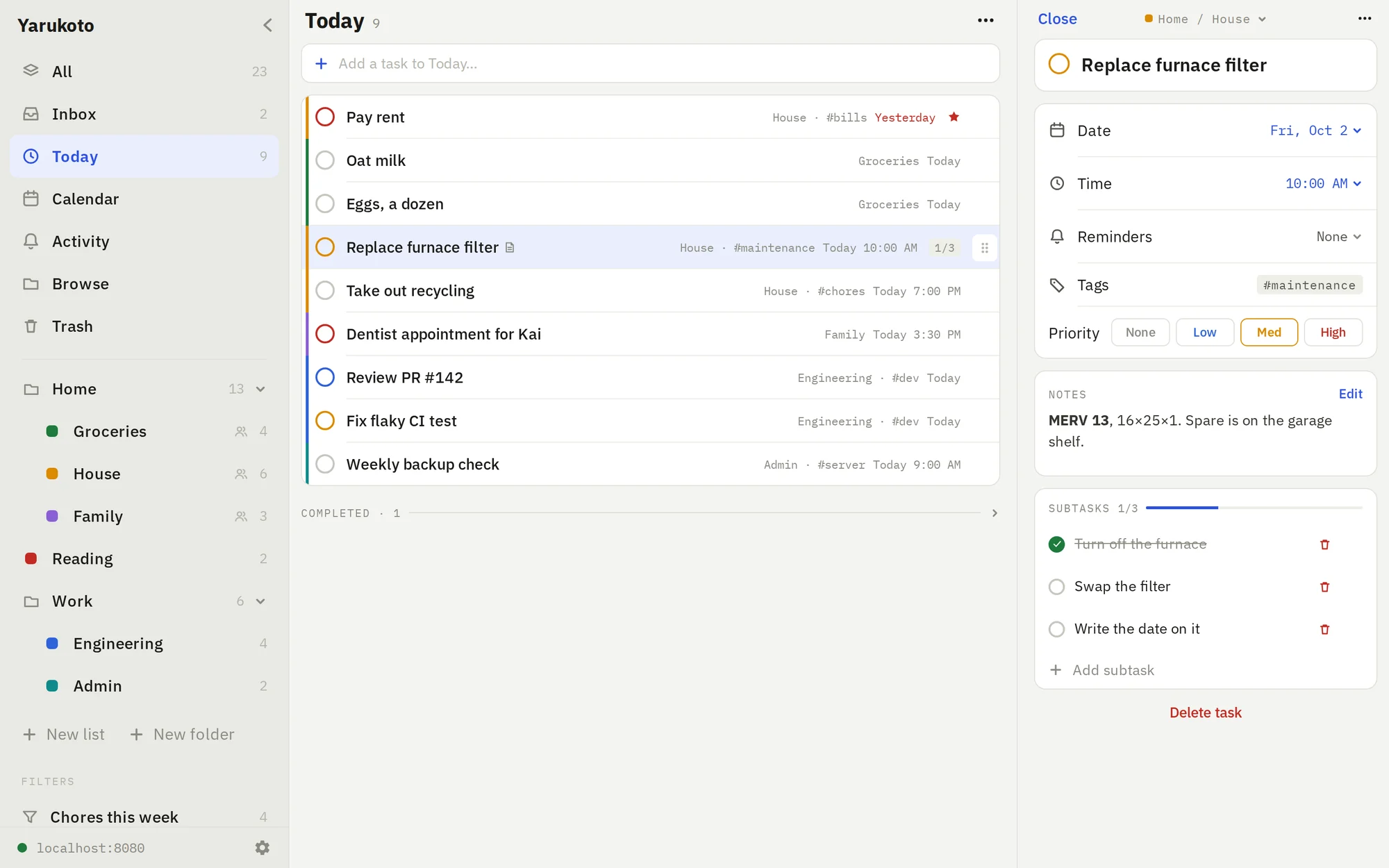
Yarukoto Today view on the web, with due tasks and task rows

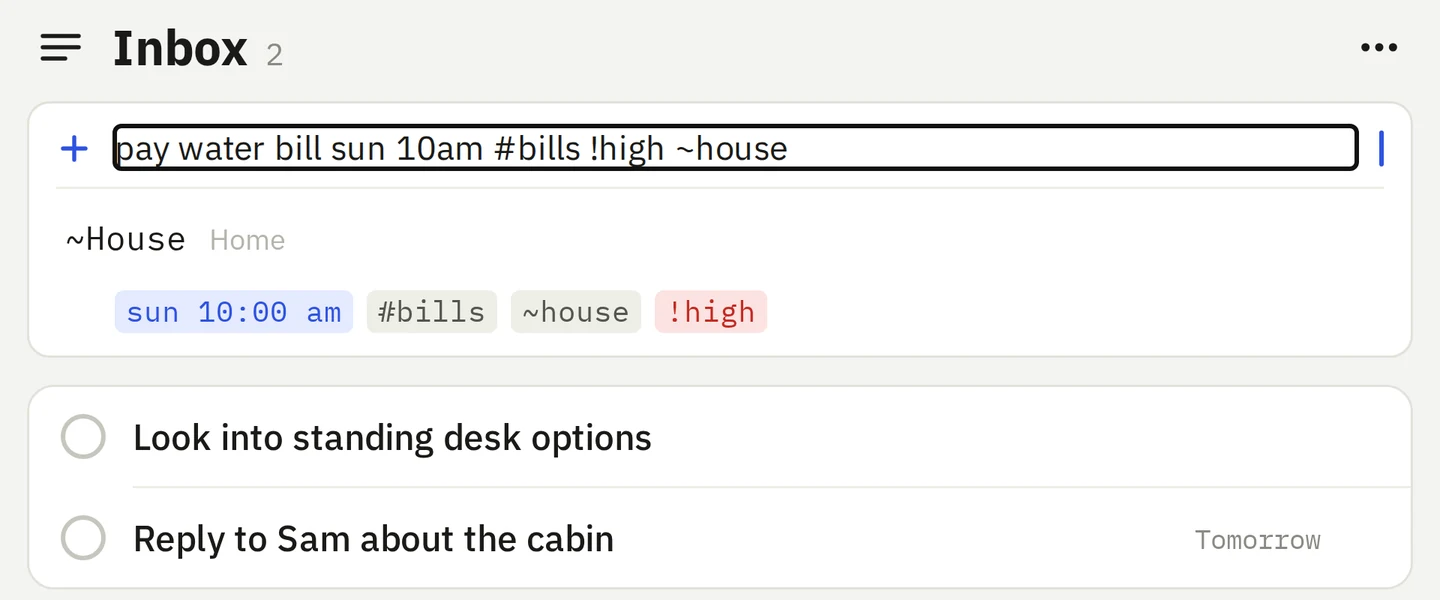
Type the task. It parses the rest.

pay rent fri 6pm #home !high ~admin

The due date and time, the #tag, the !priority and the ~list come out of one line. Anything unrecognized stays as the title, and the chips show you what was understood before you commit.

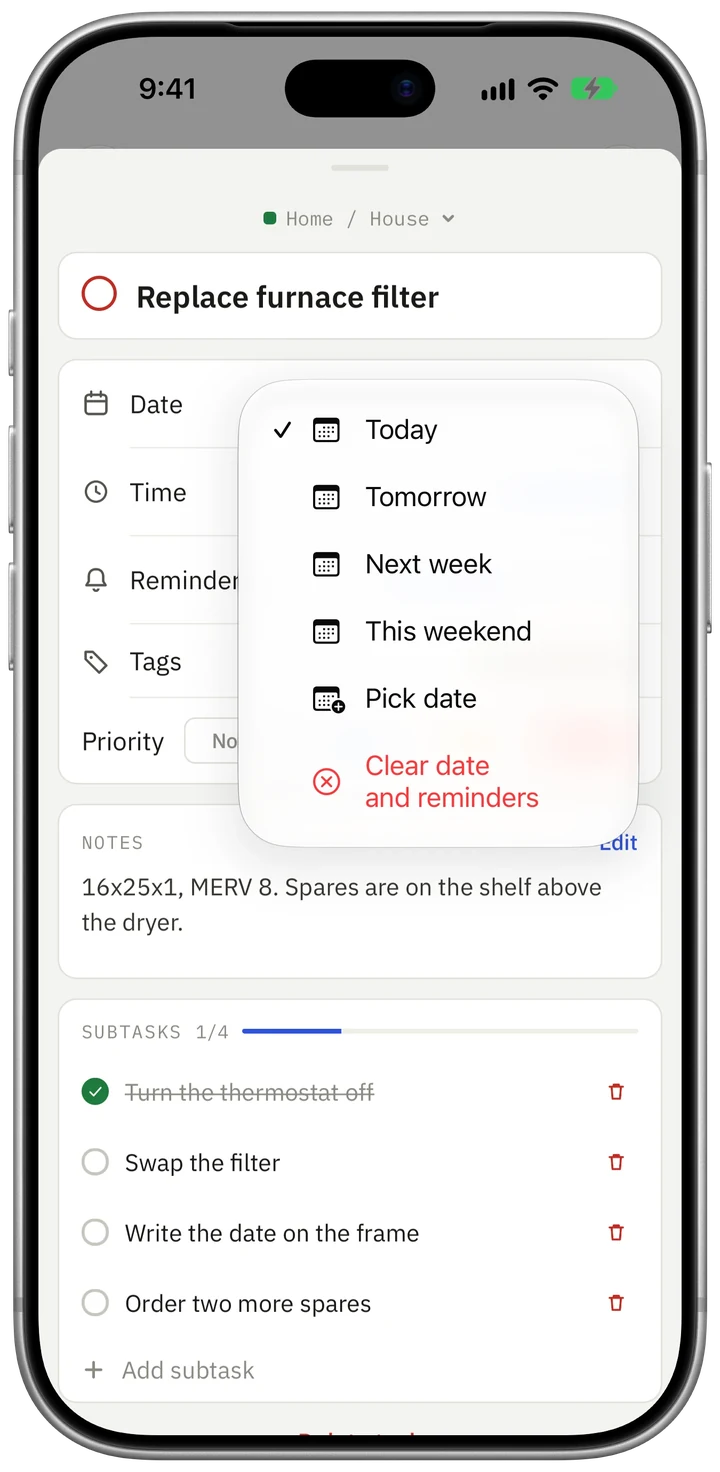
  • Subtasks, notes, tags, priorities, due dates and times.
  • Per-view grouping and sort, synced across devices.
  • Soft delete — restore from Trash, or delete forever.

Four ways to look at the same tasks

Every view is a real URL — /today, /inbox?listId=… — so a reload stays where you were, Back retraces where you've been, and a filtered list is a link you can bookmark.

Today view
Today. What's due now, with completed items folded away.
Calendar-adjacent today view
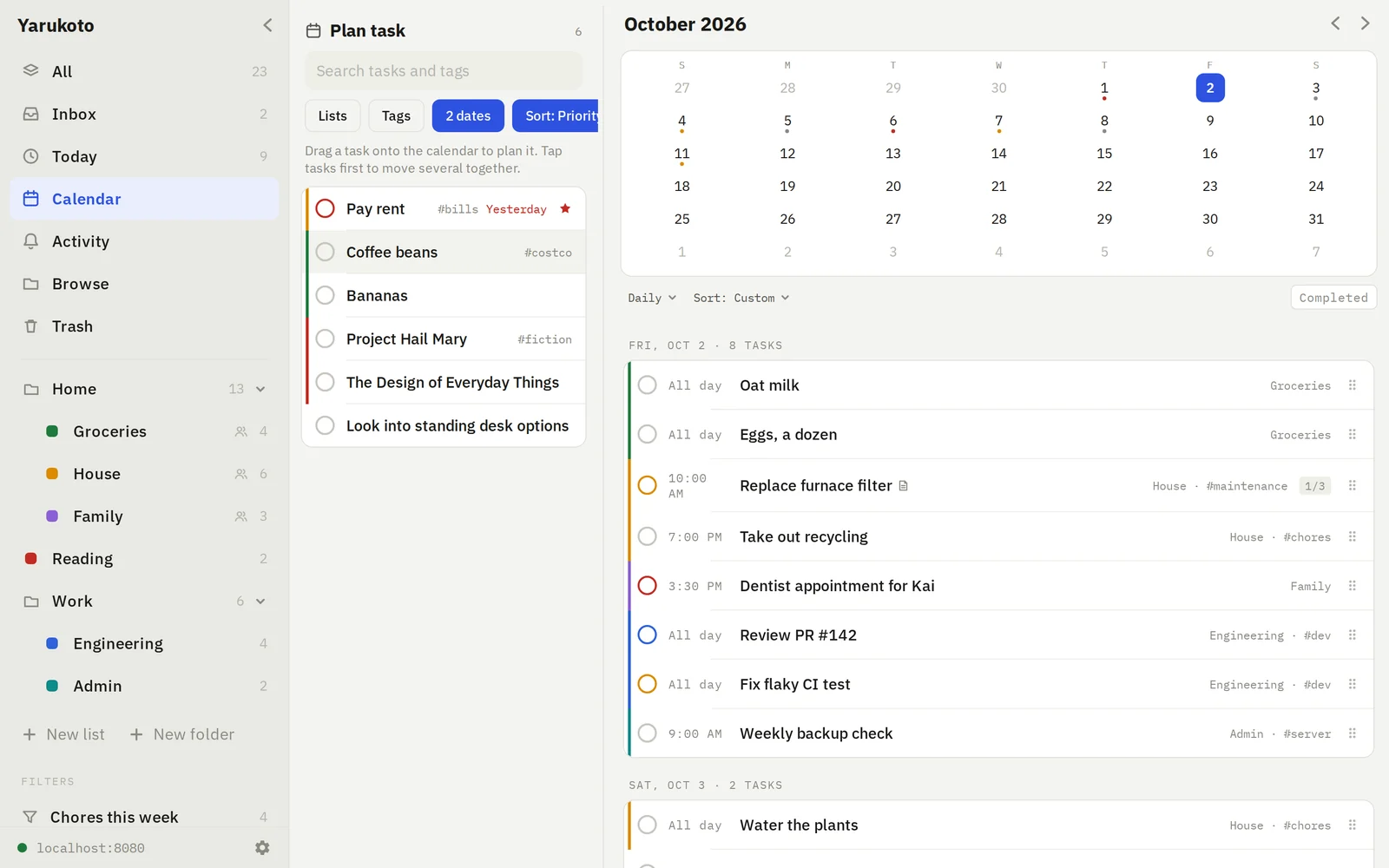
Calendar. A month grid above the agenda for jumping around.
Browse view with lists and tags
Plan. Unscheduled on the left — drag onto a day to schedule it.
Browse view
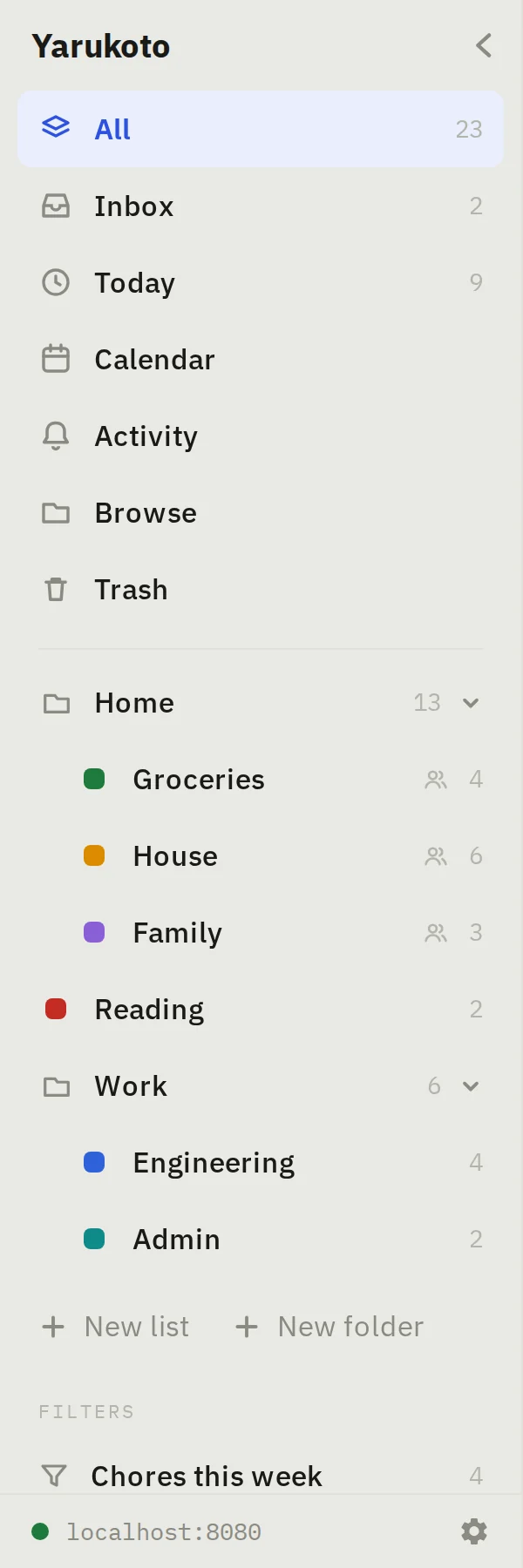
Browse. Folders, lists and tags with their counts.

Up in three commands

Requires Docker with Compose v2. The token is the only credential, so generate a real random one. Your database lives in ./data on the host and survives rebuilds.

On a Synology NAS, use docker-compose.synology.yml in Container Manager — it pulls the prebuilt ghcr.io/wyne/yarukoto image for amd64 and arm64 instead of building on the NAS.

git clone https://github.com/wyne/yarukoto.git
cd yarukoto

# the only credential — make it random
echo "YARUKOTO_TOKEN=$(openssl rand -hex 32)" > .env

docker compose up -d

# then open http://localhost:8080
curl -fsS localhost:8080/api/v1/health

That command reads this docker-compose.yml, checked into the repo root:

services:
  yarukoto:
    build:
      context: .
      dockerfile: server/Dockerfile
    restart: unless-stopped
    ports:
      - "8080:8080"
    environment:
      # openssl rand -hex 32
      YARUKOTO_TOKEN: ${YARUKOTO_TOKEN:?set a long random token in .env}
      PORT: 8080
      DATABASE_PATH: /data/yarukoto.db
      TRASH_RETENTION_DAYS: 30
      HISTORY_REVISIONS_PER_TASK: 50
    volumes:
      - ./data:/data

Updating is git pull && docker compose up -d --build. ./data is untouched by rebuilds.

Against a hosted todo app

Yarukoto Hosted service
Where the data lives One SQLite file you can copy Someone else's database
Cost A container on hardware you own Per month, per feature tier
Accounts One shared token, no sign-up Email, password, session
Offline UI never waits on the network Varies; often read-only
If it shuts down It doesn't — you're running it Export and start over

Working and usable, but young

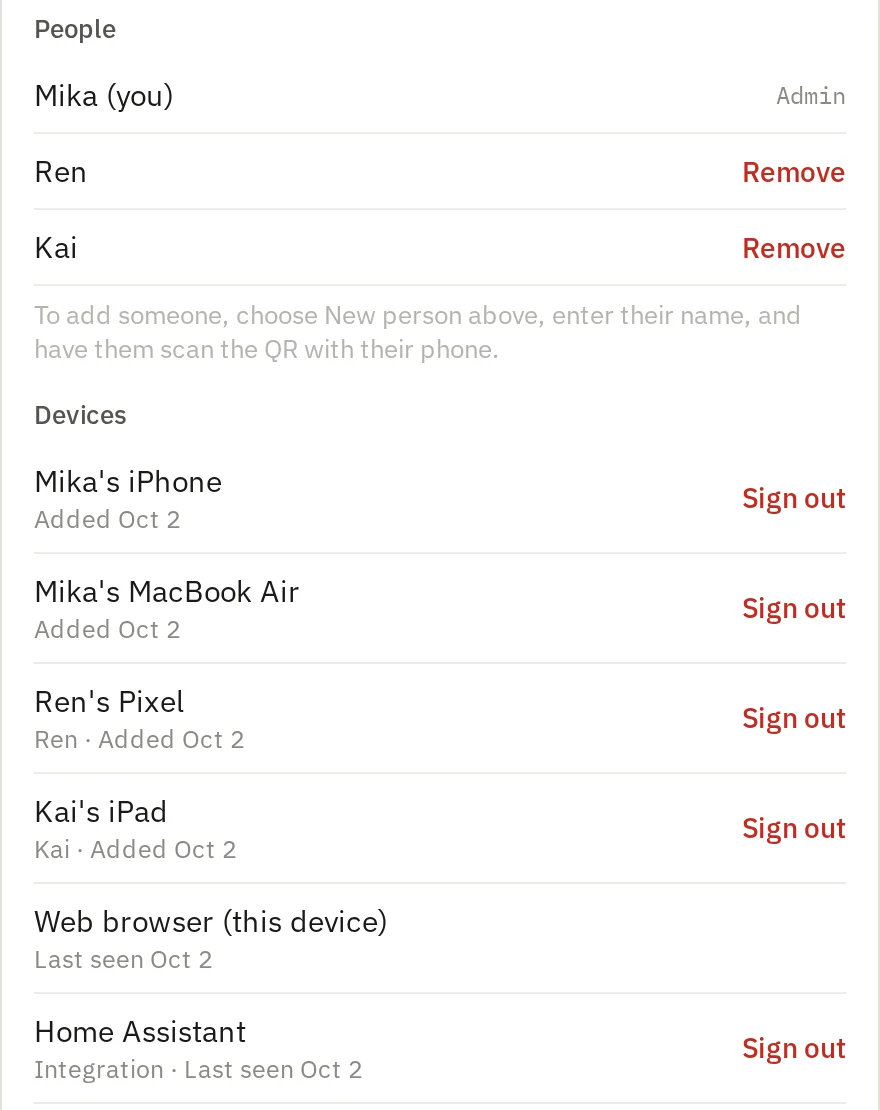
Worth knowing before you rely on it. Single-user by design — one shared access token, no accounts.

One token, no user accounts

Anyone with the token has full access. A personal-instance design, not multi-tenant.

Concurrent reorders can fight

Ordering is one global value under last-write-wins. Everything else merges cleanly per record.

Task history has no UI

Snapshots are captured from day one, but reading them means calling the endpoint directly.

No reminders, no tests yet

Reminders need push tokens and a scheduler. There's no automated test runner so far.

Try it before you host it.

Sample data mode runs the whole app client-side — no server needed. Everything stays on the device and resets when you reload.